How to do perspective transformation in GIMP?
- Download script-fu perspective-transform-to-rectangle.scm.
- Save it in C:\Program Files\GIMP 2\share\gimp\2.0\scripts (or where you installed GIMP 2)
- Refresh the script by going to Menu Filters -> Script-Fu -> Refresh Script

- A new menu item "Script-Fu" and "Perspective Transform to rectangle"

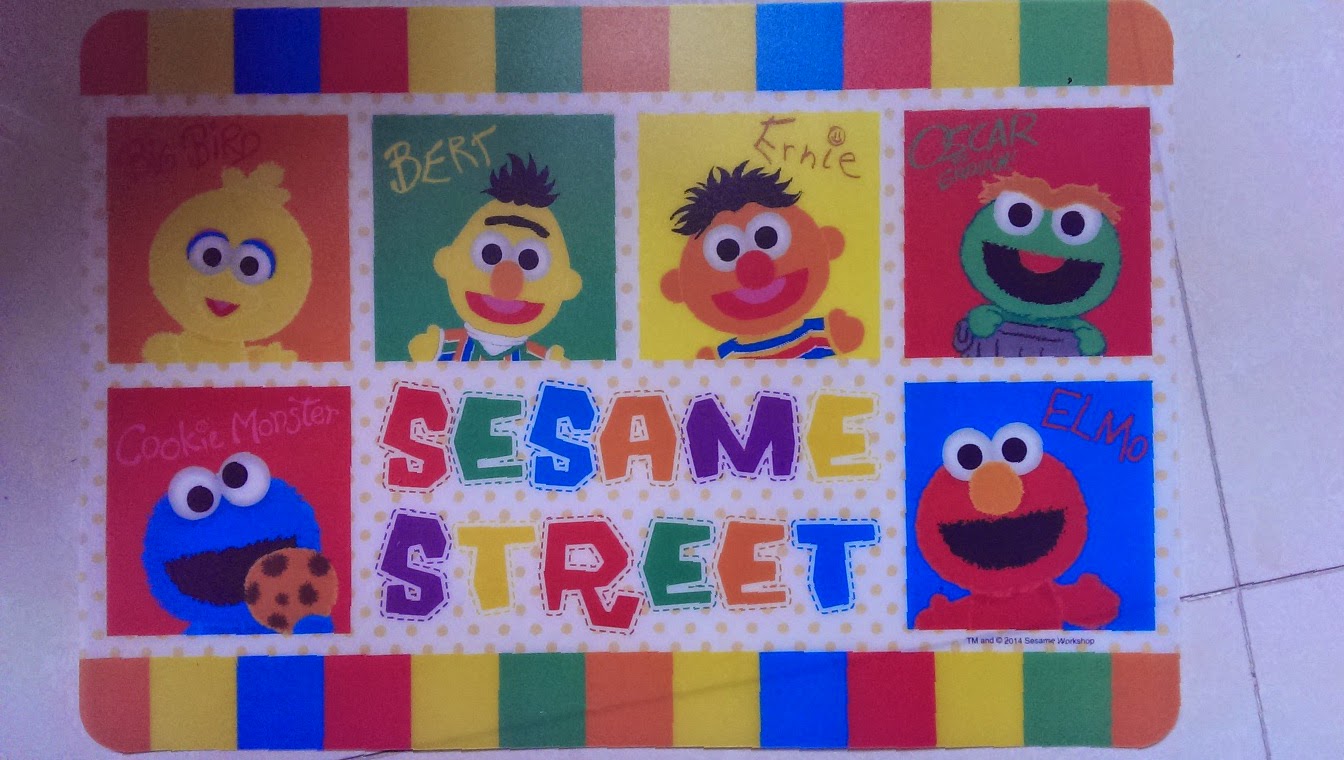
- Open a new picture that requires perspective transform

- Open Toolbox: File: Windows -> Toolbox
- Select the Path tool. Double Click to open "Tool options". Select "Polygonal" in "Tool options".

- Draw a 3-sided path (4 dots).
Press "Selection from Path" to help checking whether the 3-sided path enclosed the area required.
The Path must be started with Top Left, then Top Right, then Bottom Right and then Bottom Left.
You may use Ctrl + mouse scroll to zoom in.
- Do the transformation: Menu "Script-Fu" -> Transform -> Perspective Transform to rectangle.
Note the dialog box fired up.

Press OK. - Here is the result: